





















$25one-time
500 API calls
About $0.050 per call. Credits never expire.
- One-time payment
- Stacks on any plan
- 1 call per document
14,000+ trusted customers
Works where you already built
PDF4me meets you where you already are: your browser, Microsoft Teams, Google Workspace, your automation platform, or your own code.
Real, runnable samples straight from our open-source examples. Pick an endpoint and a language,
copy the whole file, and run it. That is the whole API.
const fs = require('fs');
const path = require('path');

/**
 * Document to PDF Converter using PDF4Me API
 * Converts various document formats (DOCX, XLSX, etc.) to PDF documents
 * Supports both synchronous and asynchronous processing with retry logic
 */

// API Configuration - PDF4Me service for converting documents to PDF
const API_KEY = "get the API key from https://dev.pdf4me.com/dashboard/#/api-keys/";
const BASE_URL = "https://api.pdf4me.com/";
const API_ENDPOINT = `${BASE_URL}api/v2/ConvertToPdf`;

// File paths configuration
const INPUT_DOC_PATH = "sample.docx";           // Path to input document file
const OUTPUT_PDF_PATH = "Document_to_PDF_output.pdf"; // Output PDF file name

// Retry configuration for async processing
const MAX_RETRIES = 10;
const RETRY_DELAY = 10000; // 10 seconds in milliseconds

/**
 * Main function that orchestrates the document to PDF conversion process
 * Handles file validation, conversion, and result processing
 */
async function convertDocumentToPdf() {
    console.log("Starting Document to PDF Conversion Process...");
    console.log("This converts various document formats (DOCX, XLSX, etc.) to PDF");
    console.log("Supports Word documents, Excel spreadsheets, and other formats");
    console.log("-".repeat(60));

    try {
        // Validate input file exists
        if (!fs.existsSync(INPUT_DOC_PATH)) {
            throw new Error(`Input document file not found: ${INPUT_DOC_PATH}`);
        }

        console.log(`Converting: ${INPUT_DOC_PATH} → ${OUTPUT_PDF_PATH}`);

        // Process the conversion
        const result = await processDocumentToPdfConversion();

        // Handle the result
        await handleConversionResult(result);

    } catch (error) {
        console.error("Conversion failed:", error.message);
        process.exit(1);
    }
}

/**
 * Core conversion logic - handles the API request and response processing
 * Supports both synchronous (200) and asynchronous (202) responses
 */
async function processDocumentToPdfConversion() {
    // Read and encode document file to base64
    console.log("Reading and encoding document file...");
    const docContent = fs.readFileSync(INPUT_DOC_PATH);
    const docBase64 = docContent.toString('base64');
    console.log("Document file successfully encoded to base64");

    // Prepare the conversion payload
    const payload = {
        docContent: docBase64,           // Base64 encoded document content
        docName: "output",               // Name for the output file
        async: true                      // Enable asynchronous processing
    };

    // Set up HTTP headers for authentication and content type
    const headers = {
        "Authorization": `Basic ${API_KEY}`,
        "Content-Type": "application/json"
    };

    console.log("Sending request to PDF4Me API...");

    // Make the initial API request
    const response = await fetch(API_ENDPOINT, {
        method: 'POST',
        headers: headers,
        body: JSON.stringify(payload)
    });

    console.log(`Status code: ${response.status}`);

    // Handle different response scenarios
    if (response.status === 202) {
        // Asynchronous processing - poll for completion
        console.log("Request accepted. PDF4Me is processing asynchronously...");

        const locationUrl = response.headers.get('Location');
        if (!locationUrl) {
            throw new Error("No 'Location' header found in the response for polling");
        }

        return await pollForCompletion(locationUrl, headers);

    } else if (response.status === 200) {
        // Synchronous processing - immediate result
        console.log("Document to PDF conversion completed immediately!");
        return await response.arrayBuffer();

    } else {
        // Error response
        const errorText = await response.text();
        throw new Error(`API request failed. Status: ${response.status}, Response: ${errorText}`);
    }
}

/**
 * Handles the conversion result and saves the PDF file
 * Supports both binary PDF data and base64 encoded responses
 */
async function handleConversionResult(result) {
    try {
        // Convert ArrayBuffer to Buffer for file operations
        const buffer = Buffer.from(result);

        // Validate that we have a PDF (check for PDF header)
        if (buffer.length > 4 && buffer.toString('ascii', 0, 4) === '%PDF') {
            console.log("Response is a valid PDF file");
            fs.writeFileSync(OUTPUT_PDF_PATH, buffer);
            console.log(`PDF saved successfully to: ${OUTPUT_PDF_PATH}`);
            console.log("Document has been converted to PDF format");
            return;
        }

        // Try to parse as JSON if not a direct PDF
        try {
            const jsonResponse = JSON.parse(buffer.toString());
            console.log("Successfully parsed JSON response");

            // Look for PDF data in different possible JSON locations
            let pdfBase64 = null;
            if (jsonResponse.document && jsonResponse.document.docData) {
                pdfBase64 = jsonResponse.document.docData;  // Common location 1
            } else if (jsonResponse.docData) {
                pdfBase64 = jsonResponse.docData;           // Common location 2
            } else if (jsonResponse.data) {
                pdfBase64 = jsonResponse.data;              // Alternative location
            }

            if (pdfBase64) {
                // Decode base64 PDF data and save to file
                const pdfBytes = Buffer.from(pdfBase64, 'base64');
                fs.writeFileSync(OUTPUT_PDF_PATH, pdfBytes);
                console.log(`PDF saved to ${OUTPUT_PDF_PATH}`);
                console.log("Document has been converted to PDF format");
            } else {
                console.log("No PDF data found in the response.");
                console.log("Full response:", JSON.stringify(jsonResponse, null, 2));
            }

        } catch (jsonError) {
            console.log("Failed to parse JSON response, treating as binary data");
            // If JSON parsing fails, try to save as binary anyway
            if (buffer.length > 1000) {
                fs.writeFileSync(OUTPUT_PDF_PATH, buffer);
                console.log(`PDF saved to ${OUTPUT_PDF_PATH} (as binary data)`);
                console.log("Document has been converted to PDF format");
            } else {
                console.log("Warning: Response doesn't appear to be a valid PDF");
                console.log(`First 100 bytes: ${buffer.toString('hex', 0, 100)}`);
            }
        }

    } catch (error) {
        throw new Error(`Error saving PDF: ${error.message}`);
    }
}

/**
 * Polls the API for async completion with retry logic
 * Handles 202 (processing) and 200 (completed) status codes
 */
async function pollForCompletion(locationUrl, headers) {
    console.log(`Polling URL: ${locationUrl}`);

    for (let attempt = 1; attempt <= MAX_RETRIES; attempt++) {
        console.log(`Waiting for result... (Attempt ${attempt}/${MAX_RETRIES})`);

        // Wait before polling (except on first attempt)
        if (attempt > 1) {
            await new Promise(resolve => setTimeout(resolve, RETRY_DELAY));
        }

        try {
            const response = await fetch(locationUrl, {
                method: 'GET',
                headers: headers
            });

            if (response.status === 200) {
                // Conversion completed successfully
                console.log("Document to PDF conversion completed successfully!");
                return await response.arrayBuffer();

            } else if (response.status === 202) {
                // Still processing, continue polling
                console.log("Still processing...");
                continue;

            } else {
                // Error occurred during processing
                const errorText = await response.text();
                throw new Error(`Unexpected error during polling: ${response.status}, Response: ${errorText}`);
            }

        } catch (error) {
            if (attempt === MAX_RETRIES) {
                throw new Error(`Polling failed after ${MAX_RETRIES} attempts: ${error.message}`);
            }
            console.log(`Polling attempt ${attempt} failed: ${error.message}`);
        }
    }

    throw new Error(`Timeout: Document to PDF conversion did not complete after ${MAX_RETRIES} retries`);
}

// Main execution - Run the conversion when script is executed directly
if (require.main === module) {
    convertDocumentToPdf().catch(error => {
        console.error("Fatal error:", error.message);
        process.exit(1);
    });
}

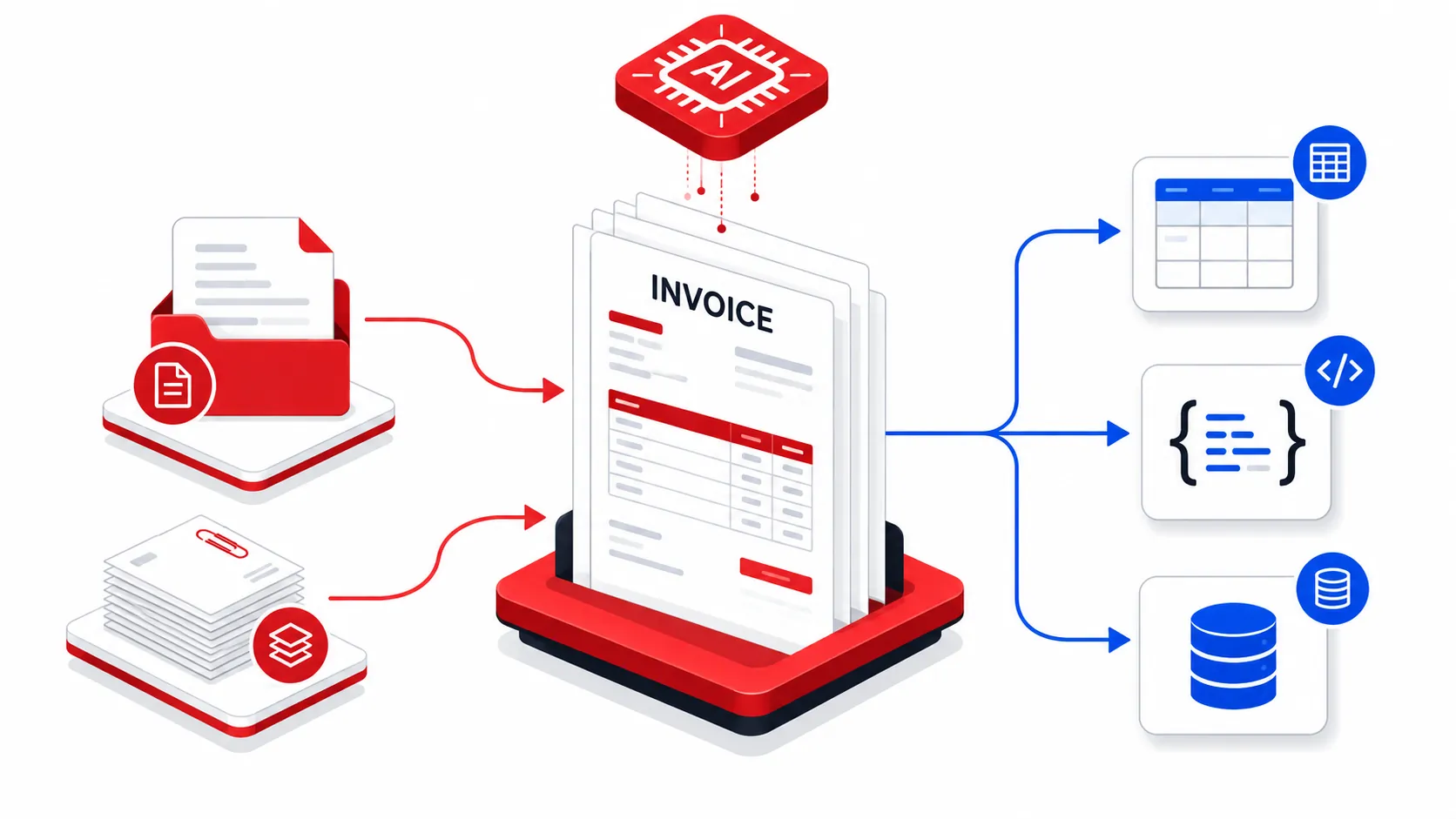
module.exports = { convertDocumentToPdf, processDocumentToPdfConversion, handleConversionResult }; Point PDF4me at an invoice, receipt, bank statement or contract and get structured JSON back, ready to drop into your systems. No templates to maintain for these document types.
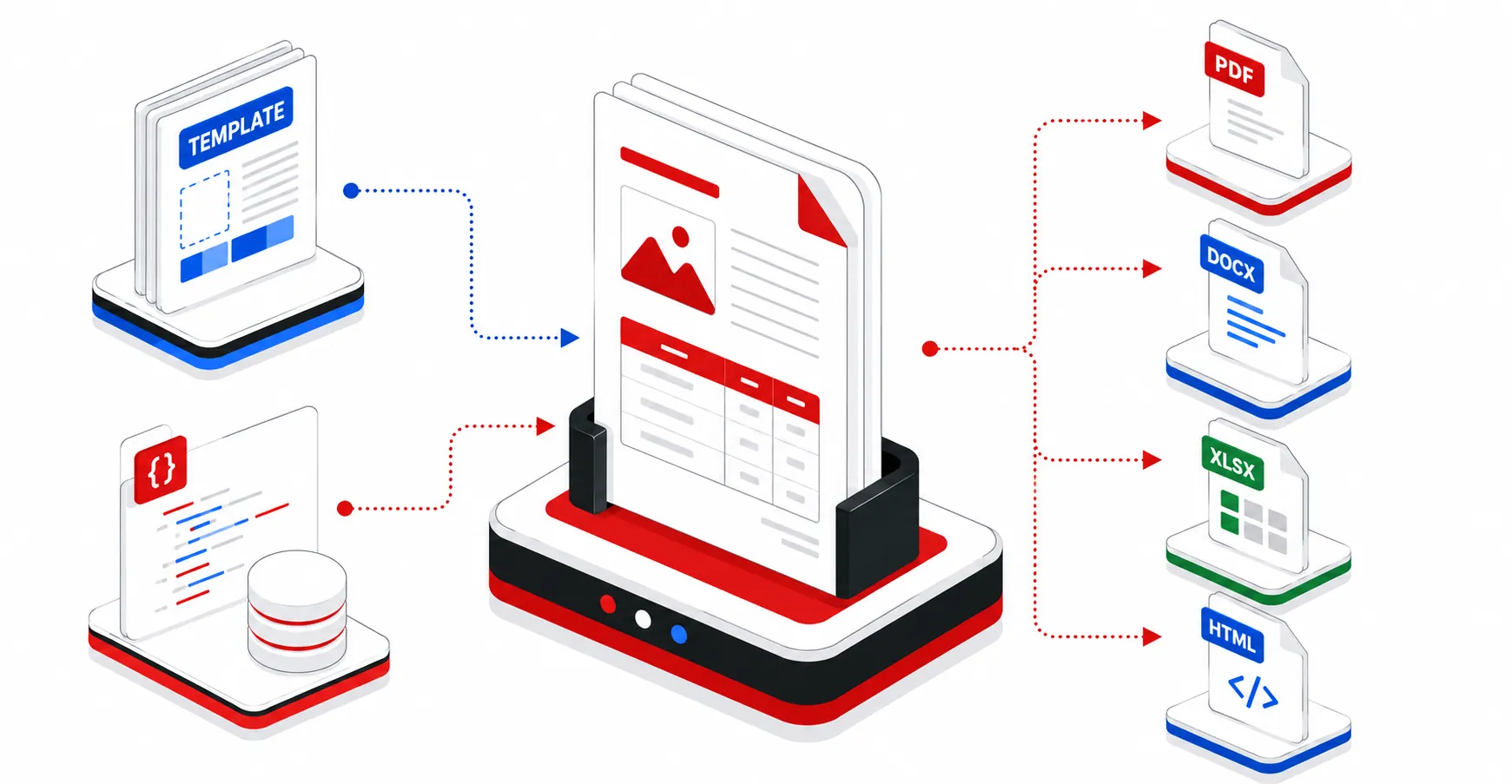
Merge Word or HTML templates with your JSON to produce PDF or Word files, one at a time or in bulk.
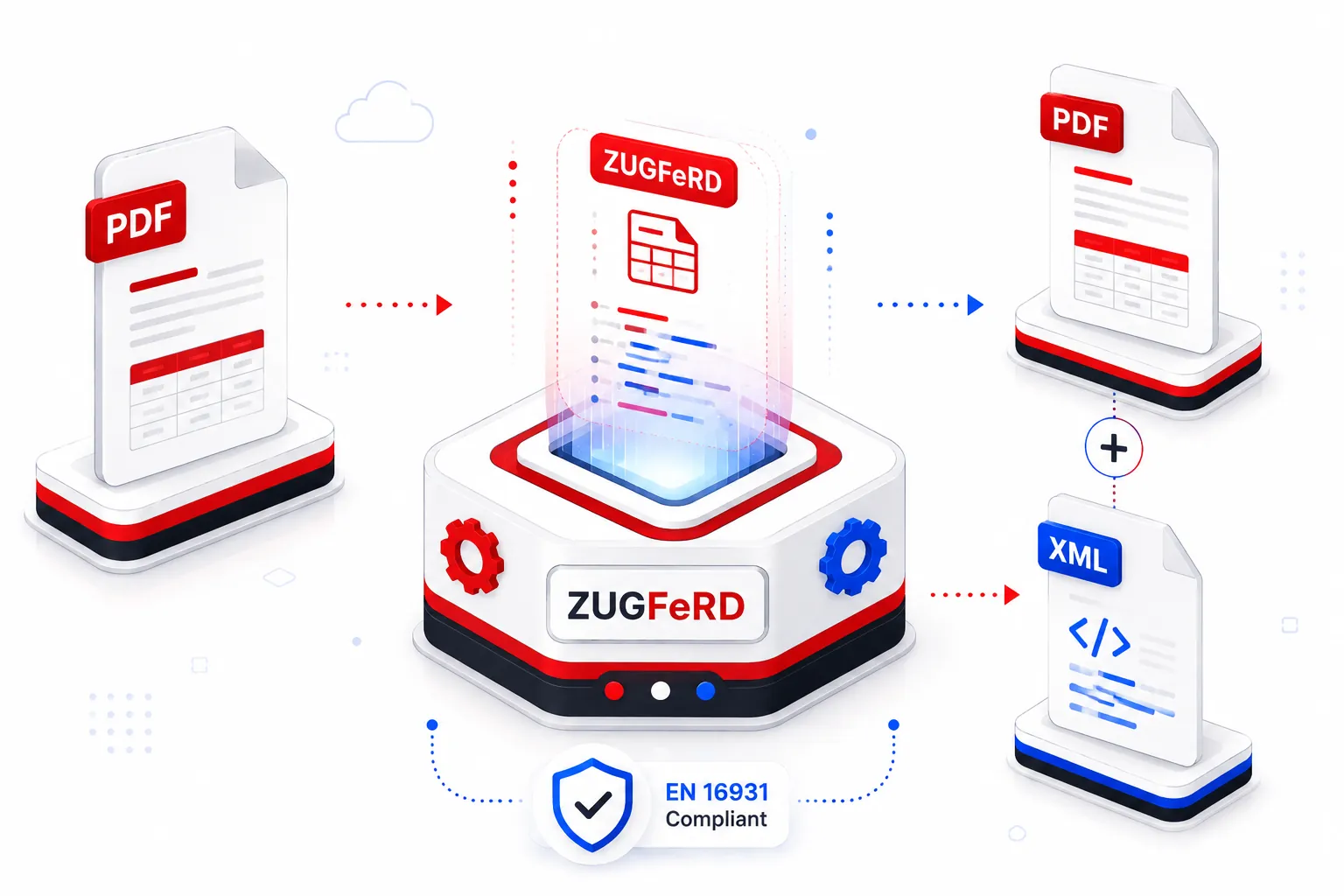
Generate ZUGFeRD hybrid e-invoices, one PDF/A-3 file with the invoice XML embedded, ready for Germany's B2B mandate and any EN 16931 ERP.
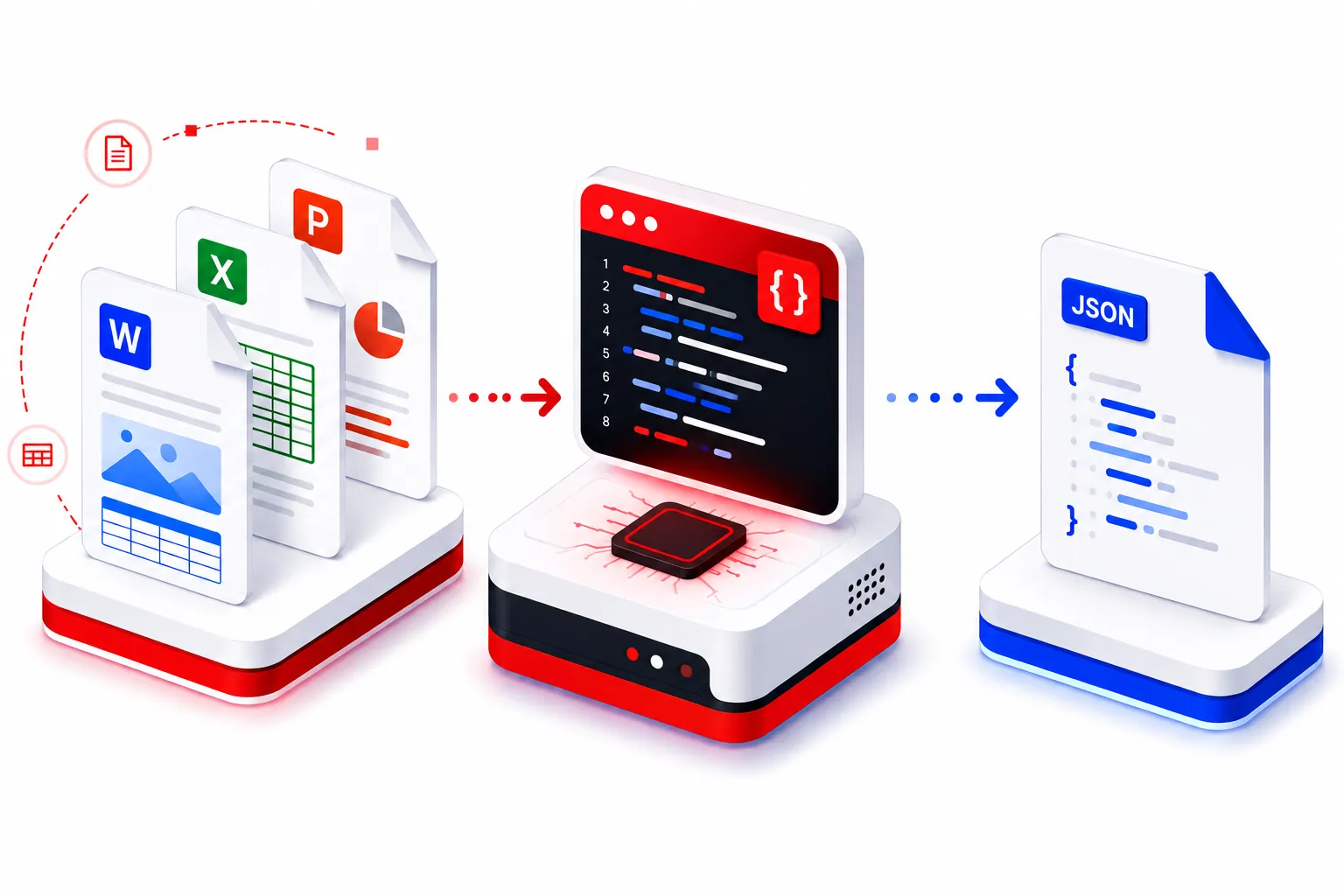
Define your own field schema and extract exactly what you need, or let PDF4me classify mixed batches automatically and route each document by its type.
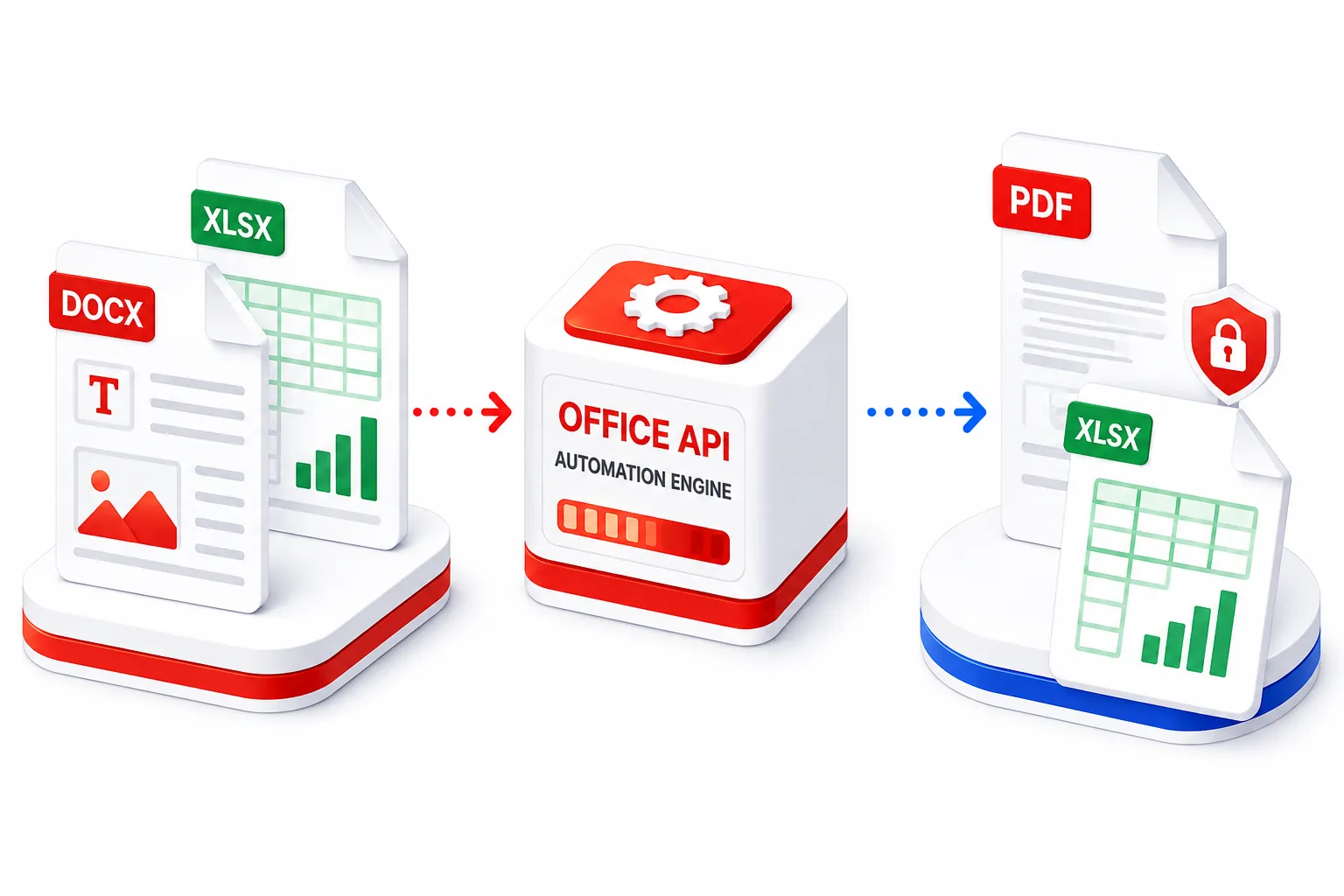
Convert Word and Excel to PDF and back, then merge, split, watermark and password-protect Office files, all from one API with no Office install required.
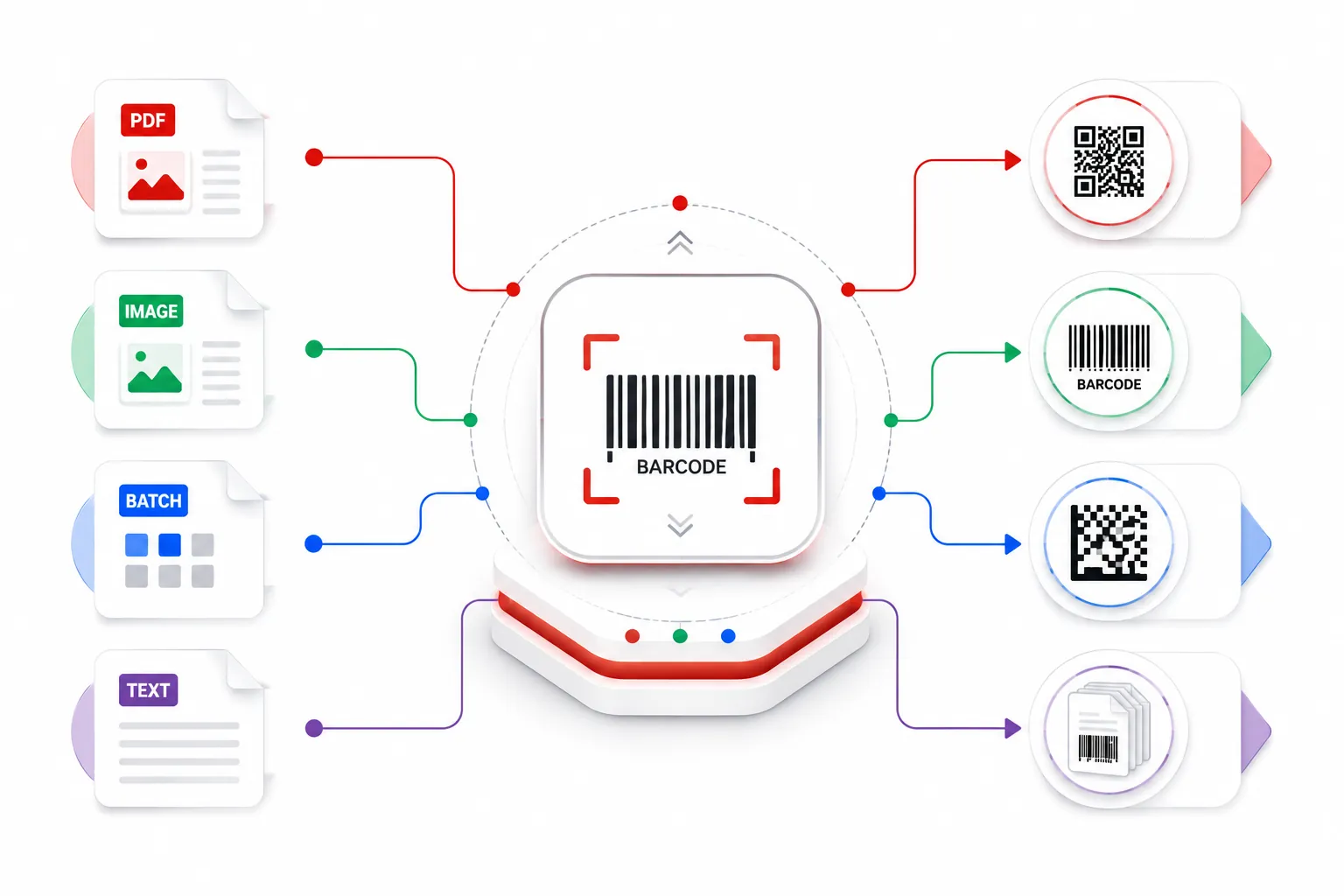
Generate and embed QR, Code 128, Data Matrix and 50+ barcode types, read them back from PDFs and images, or split document batches on barcode separators.
Privacy and security are built in, not bolted on. Swiss-owned PDF4me applies the same data-handling rules whether you convert one file in the browser or process millions through the API.
Uploads are encrypted at rest on isolated cloud storage, then removed automatically within one hour on online tools, or within minutes once an API job completes. Share links expire after 14 days. We only keep what you explicitly save to My Docs.
Your document contents are never retained for model training, ours or anyone else's. AI extraction runs on schema you define at request time only. We do not mine, analyse, or resell the files you send us.
Need a DPA for procurement or GDPR reviews? Download the PDF4me agreement plus the processing and security annexes. Share them with legal without waiting on a sales thread.
Every browser upload, API call, and download travels over HTTPS/TLS. While a file is held for processing it stays encrypted at rest, tenant-isolated, and kept in memory only for the duration of the job.
We are implementing a formal ISO/IEC 27001 information-security management system: documented policies, role-based access, change control, incident response, and supplier oversight, with an independent audit targeted for 2026.
One platform for everyday PDF tools and a production REST API with SDKs, automation connectors (Make, Zapier, Power Automate, n8n), and MCP. Ship document features in your product without building a PDF stack in-house.
Convert, edit, merge, compress, sign and OCR, free in your browser. No install, no sign-up.
Start free with the API, then top up with prepaid packs that never expire. One-time payment, no lock-in, and every pack stacks on a monthly plan.
About $0.050 per call. Credits never expire.
About $0.045 per call. Credits never expire.
About $0.038 per call. Credits never expire.
About $0.036 per call. Credits never expire.
About $0.033 per call. Credits never expire.
About $0.026 per call. Credits never expire.
Need more than our largest prepaid pack? Contact sales for custom volume pricing, billing terms, and dedicated support.
One API call per document. High-quality conversions, OCR and AI features count as one call per page. Need a monthly plan or the free tier? It is all on the full pricing page.
See full pricing and API call costsBuild it into your product with the API, automate it with no code, or use the free tools in your browser. No credit card to begin.
curl -X POST https://api.pdf4me.com/v2/ConvertToPdfFree tier · No credit card required