
PDF4me lets you redact a PDF right in your browser, so you can black out sensitive text and areas before you share a document. Cover names, account numbers, addresses, or any private detail, and PDF4me removes the hidden content from the file for good. There is no software to install and no account needed to get started.
Redaction is the safe way to hide information, because the words underneath are deleted rather than simply covered. Since everything runs online, you can redact confidential paperwork from a laptop, a tablet, or your phone without changing a thing.
Your documents stay your own. Files are uploaded over an encrypted HTTPS connection, processed on protected servers, and removed automatically once your redaction is finished.
We do not sell your data or share your files, so you can redact contracts, medical records, and personal paperwork with confidence.
Drawing a black box in a basic editor only hides text on the surface, and the words can often be copied or searched right back out. PDF4me is different, because it deletes the selected content from the file so the information underneath is gone.
That makes it a reliable way to prepare documents for sharing, printing, or filing. Always review the finished PDF before you send it, so you can confirm that every private detail is covered.
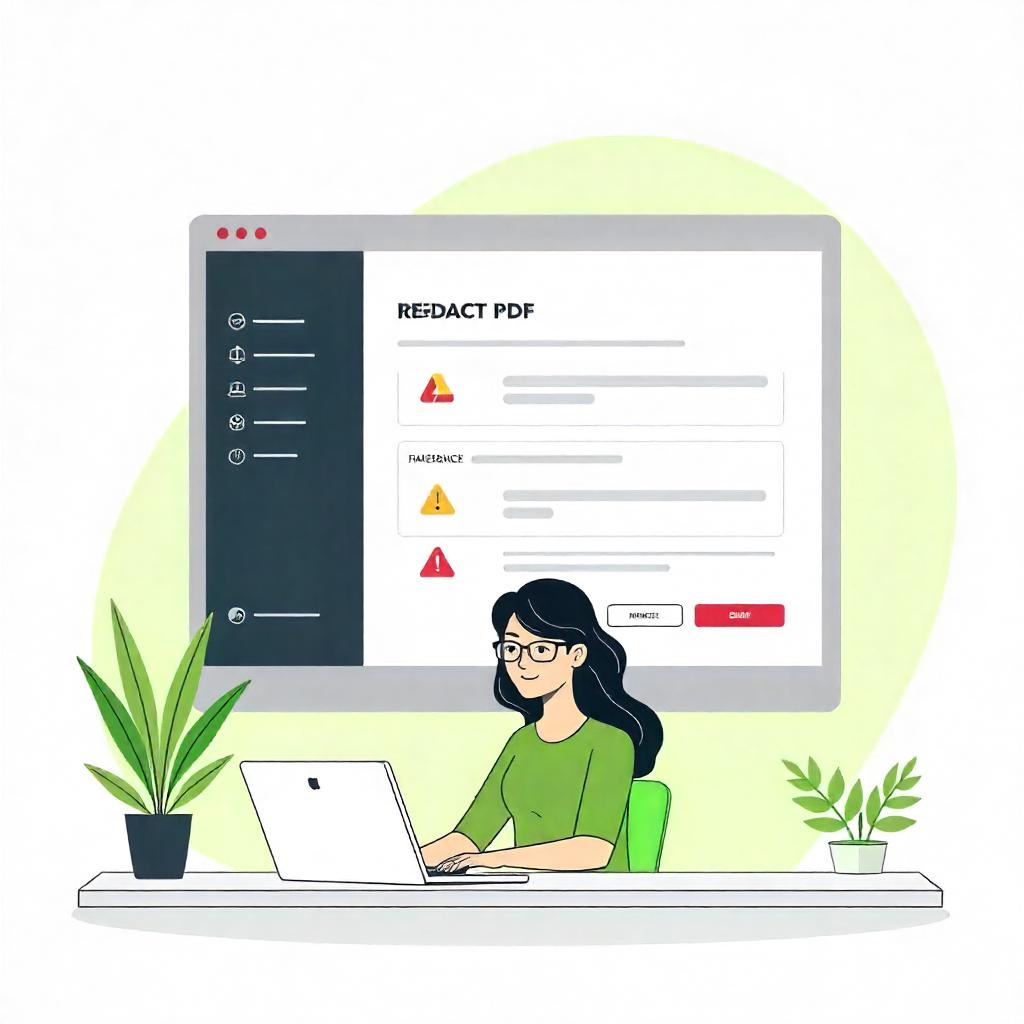
With PDF4me you can black out text, images, logos, signatures, and any region you draw over. It is ideal for hiding names, account numbers, dates of birth, and other private details before a document leaves your hands.
Redaction works page by page, so you can clean up a single form or a longer report and keep the rest of the layout exactly as it was.
Because PDF4me runs in your web browser, you can redact PDFs on Windows, Mac, and Linux computers, as well as on iOS and Android phones and tablets. There is nothing to download and nothing to keep updated.
You can start for free, and upgrade to a subscription when you need higher limits or want to redact larger documents. See the Pricing page for details.
If you redact documents regularly, you can skip the manual steps. The PDF4me API and ready made connectors for Zapier, Power Automate, and Make let you redact files automatically inside the workflows you already use.
It is a dependable way for teams and developers to hide sensitive information at scale without extra clicks.
Redacting is only one part of the job. With PDF4me you can also protect, flatten, edit, and organize your documents from the same place, so your whole PDF workflow lives in one tool.
Popular next steps include Password Protect PDF, Flatten PDF, and PDF Editor once your file is redacted.
Yes. You can redact PDFs for free, with no installation and no account required to get started. For higher usage limits, larger files, and faster processing, PDF4me also offers affordable subscription plans.
Redacting a PDF means permanently blacking out and removing sensitive text or areas so the hidden content cannot be read or copied back out. It is the safe way to share a document while keeping private details out of view.
Yes. PDF4me deletes the selected content from the file rather than just covering it, so the words underneath are removed. We still recommend reviewing the finished PDF before you share it.
Yes. You can black out text, images, signatures, and any area you draw over. This makes it easy to hide names, account numbers, and other confidential details on any page.
Yes. PDF4me runs in your web browser, so it works on Windows, Mac, and Linux computers as well as iOS and Android phones and tablets. There is nothing to download or install.
Your files are uploaded over a secure, encrypted connection and processed on protected servers. They are removed automatically after your redaction is complete, and they are never shared or sold.