
PDF4me lets you crop PDF pages in your browser, so you can trim away white margins or zoom in on the part of the page that matters. Upload a file, drag the crop box over the area you want to keep, and download a tidier PDF in seconds. There is no software to install and no account needed to get started.
Cropping helps when a scan has wide borders, when a page was made for a larger sheet, or when you only need one chart or table from a busy layout. Because everything runs online, you can crop files from a laptop, a tablet, or your phone without changing a thing.
Wide margins can make a document look unbalanced and waste space when you print it. With PDF4me you can pull the crop box inward to remove the white border on every side, so your content sits neatly on the page.
You can also crop the other way and keep only a single region, such as a figure, a map, or a section of a scanned form. Everything outside the crop box is trimmed away, leaving a clean PDF focused on what you actually need.
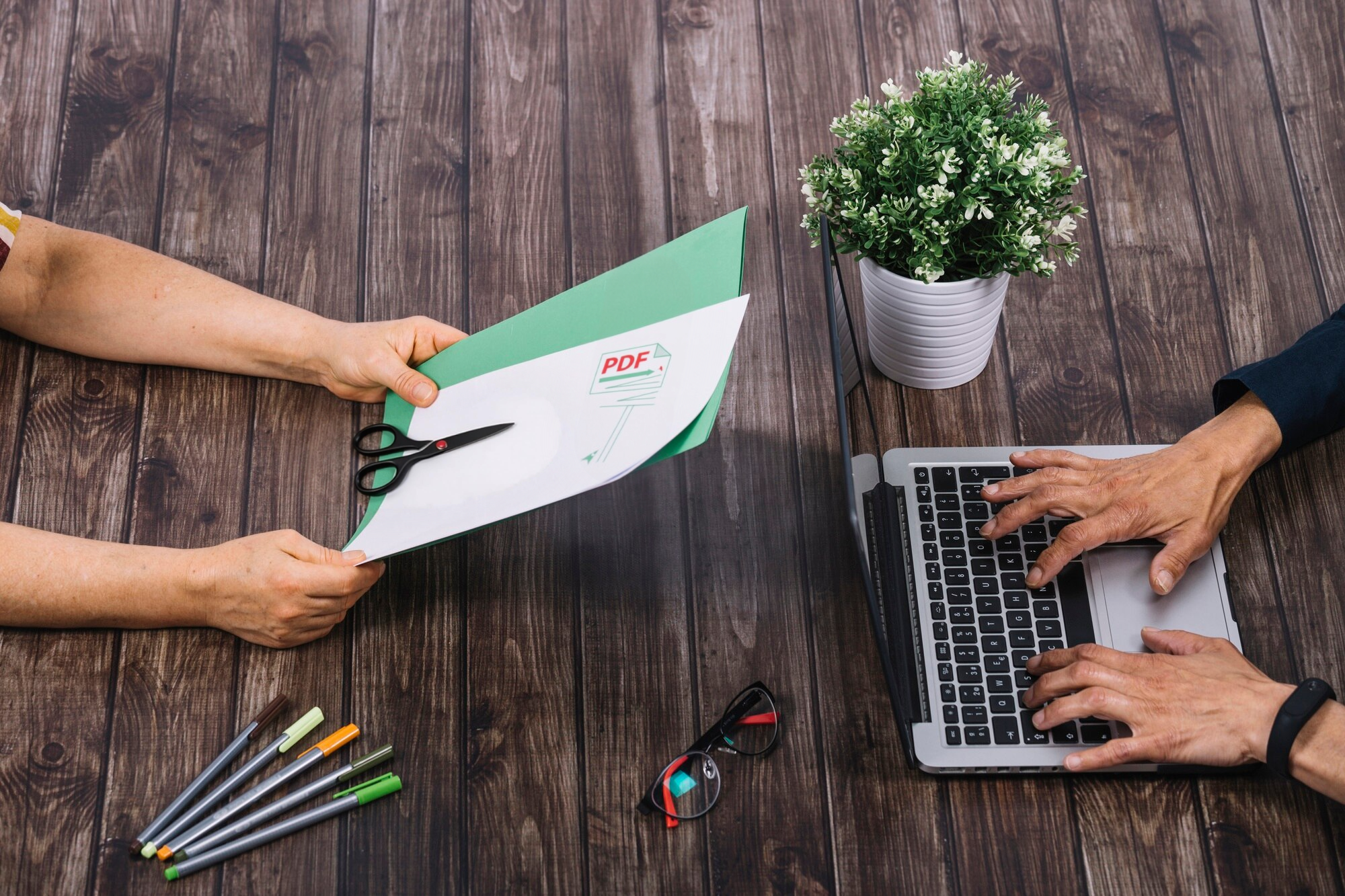
Cropping should change the visible page area, not the sharpness of your content. PDF4me hides the parts outside your crop box while keeping the text crisp and the images at their original resolution, so a cropped page looks just as clean as the source.
Your fonts, colors, and layout stay intact, which means the result is ready to print, share, or attach to an email without any drop in quality.
Sometimes only one page has an awkward margin, and sometimes an entire scan needs the same trim. PDF4me lets you crop a single page on its own or apply one crop to every page in the document, so you are not repeating the same step over and over.
For long files or frequent cropping, a subscription unlocks higher limits and faster processing. See the Pricing page to compare plans.
Your documents stay your own. Files are uploaded over an encrypted HTTPS connection, processed on protected servers, and removed automatically once your PDF has been cropped.
We do not sell your data or share your files, so you can crop contracts, statements, and personal paperwork with confidence.
If you crop the same kind of document again and again, you can take the manual work out of it. The PDF4me API and ready made connectors for Zapier, Power Automate, and Make let you crop PDFs automatically inside the workflows you already use.
It is a dependable way for teams and developers to standardize page sizes and margins at scale, without opening each file by hand.
Cropping is only one part of the job. With PDF4me you can also split, merge, compress, and organize your documents from the same place, so your whole PDF workflow lives in one tool.
Popular next steps include Split PDF, Organize PDF Pages, and Compress PDF once your pages are cropped.
Yes. You can crop PDF pages for free, with no installation and no account required to get started. For higher limits, larger files, and faster processing, PDF4me also offers affordable subscription plans.
Upload your PDF, drag the crop box around the area you want to keep, and select Crop. Your cropped PDF is ready to download in seconds, and you can also save it to Google Drive or Dropbox.
Yes. You can crop a single page on its own or apply the same crop to every page in the document, which is handy for scans and reports that share the same margins.
No. Cropping only changes the visible page area, so your text stays sharp and your images keep their original resolution.
Yes. PDF4me runs in your web browser, so it works on Windows, Mac, and Linux computers as well as iOS and Android phones and tablets. There is nothing to download or install.
Your files are uploaded over a secure, encrypted connection and processed on protected servers. They are removed automatically after your PDF is cropped, and they are never shared or sold.