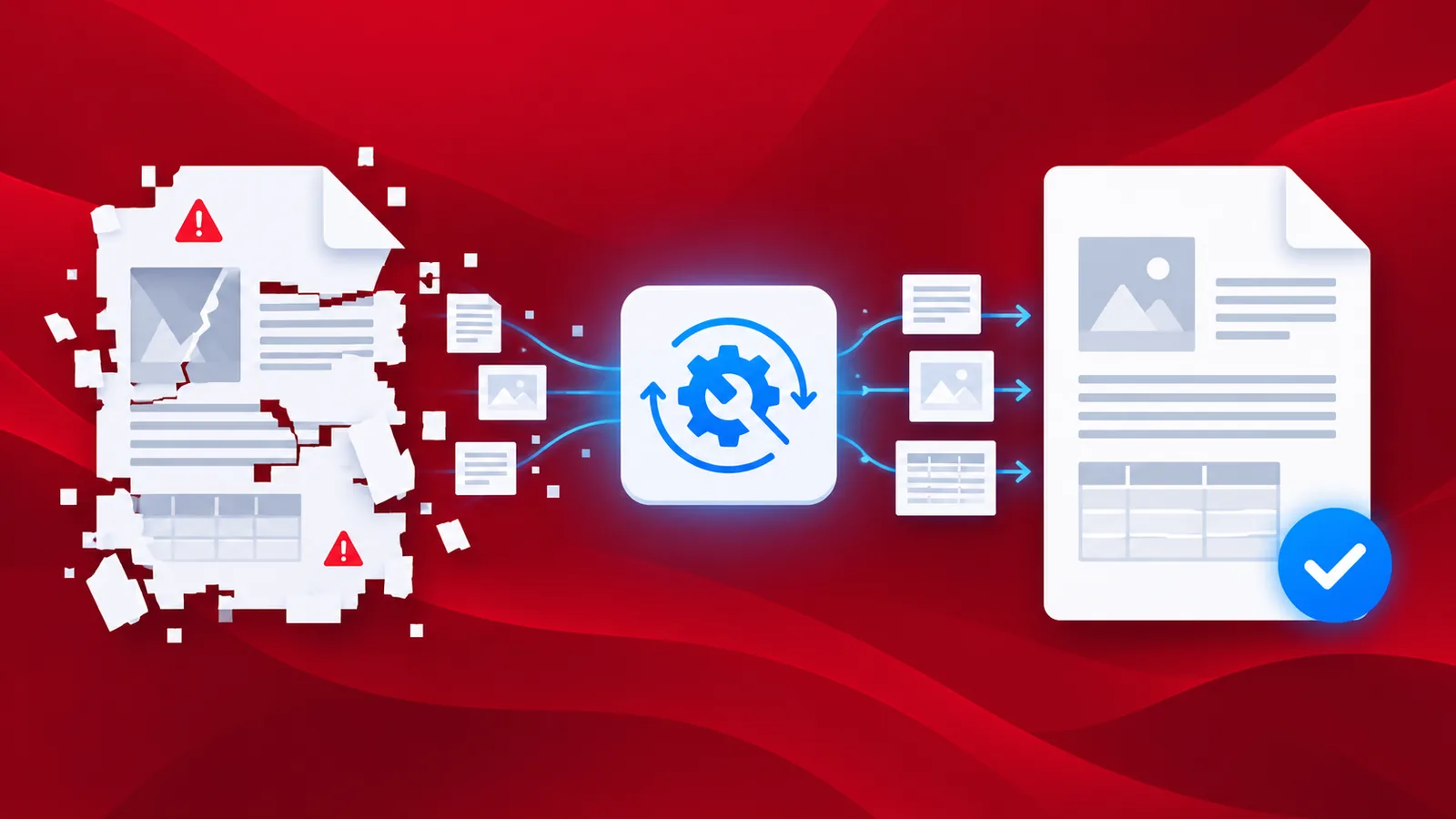
Ever had a very valuable PDF but you could not get the data out of it anymore. If you have pages of damaged PDF documents, you can repair such pages to get a clean and readable PDF back. The recovery of a broken PDF is a multi-step process to rectify as much damage as possible.
Recover your broken PDFs partially or fully using the Repair PDF action. The recovery of the document is based on the extent of the damage. The recovery highly depends on the level of damage in the original file. Using this action you can download files from your cloud storage automatically, repair them and save them back to secure storage.
How to automate PDF repair?
Easily create and configure the Workflow to recover it repair your PDF files.
To begin with, select the Create Workflow from the Workflows Dashboard.

Add a trigger to start your Workflow
Add a trigger to kick-start your automation. Currently, Workflows provide 2 triggers.
Dropbox and Google Drive. For the current example, let us create a Google Drive trigger. Create and configure the connection and choose the folder where the input files are expected.

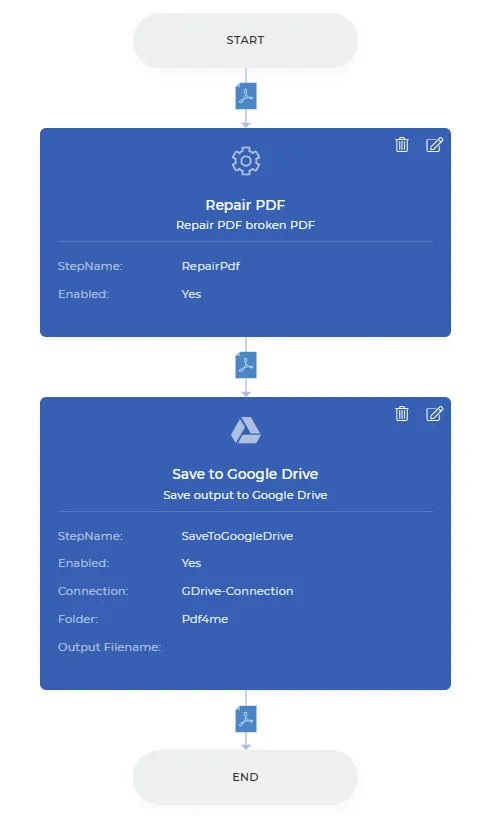
Add the Repair PDF action
Add the Repair PDF action from the action list.

Add a Save to action
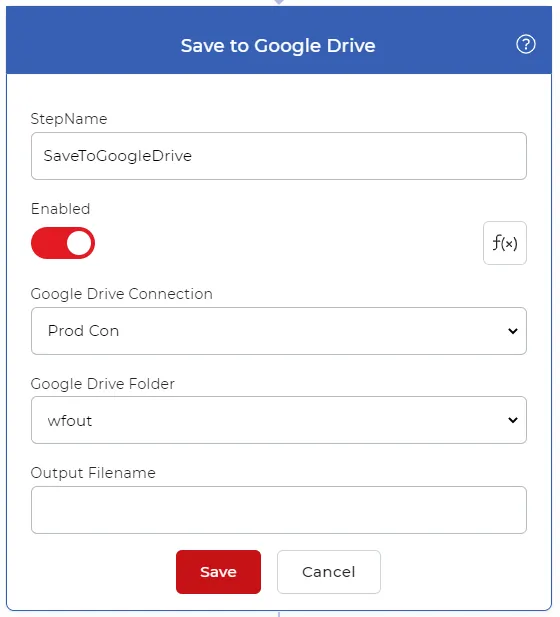
The output files need to be saved back to cloud storage. In this case, let us configure a Save to Google Drive action. This ensures the Recovered PDFs are automatically saved back to your desired location.