Turn invoices and forms into clean data.
Point PDF4me at an invoice, receipt, bank statement or contract and get structured JSON back, ready to drop into your systems. No templates to maintain for these document types.
Ready-made parsers, on every platform.
Each parser is a native action in Power Automate, Make and n8n. The invoice parser is the flagship for accounts payable; the rest of the set is below.



Pick the document type. Get the fields.
- Pick the parser for the document in front of you: invoice, receipt, bank statement, pay stub, contract, tax form, cheque, health card, mortgage, marriage certificate or purchase order.
- Drop in the PDF or image. Each parser already knows the fields for that type, so you do not write a schema or maintain templates.
- Get structured JSON back: vendor, line items, totals, dates, tax and the rest of the field set for that document, ready for an ERP, sheet or database.
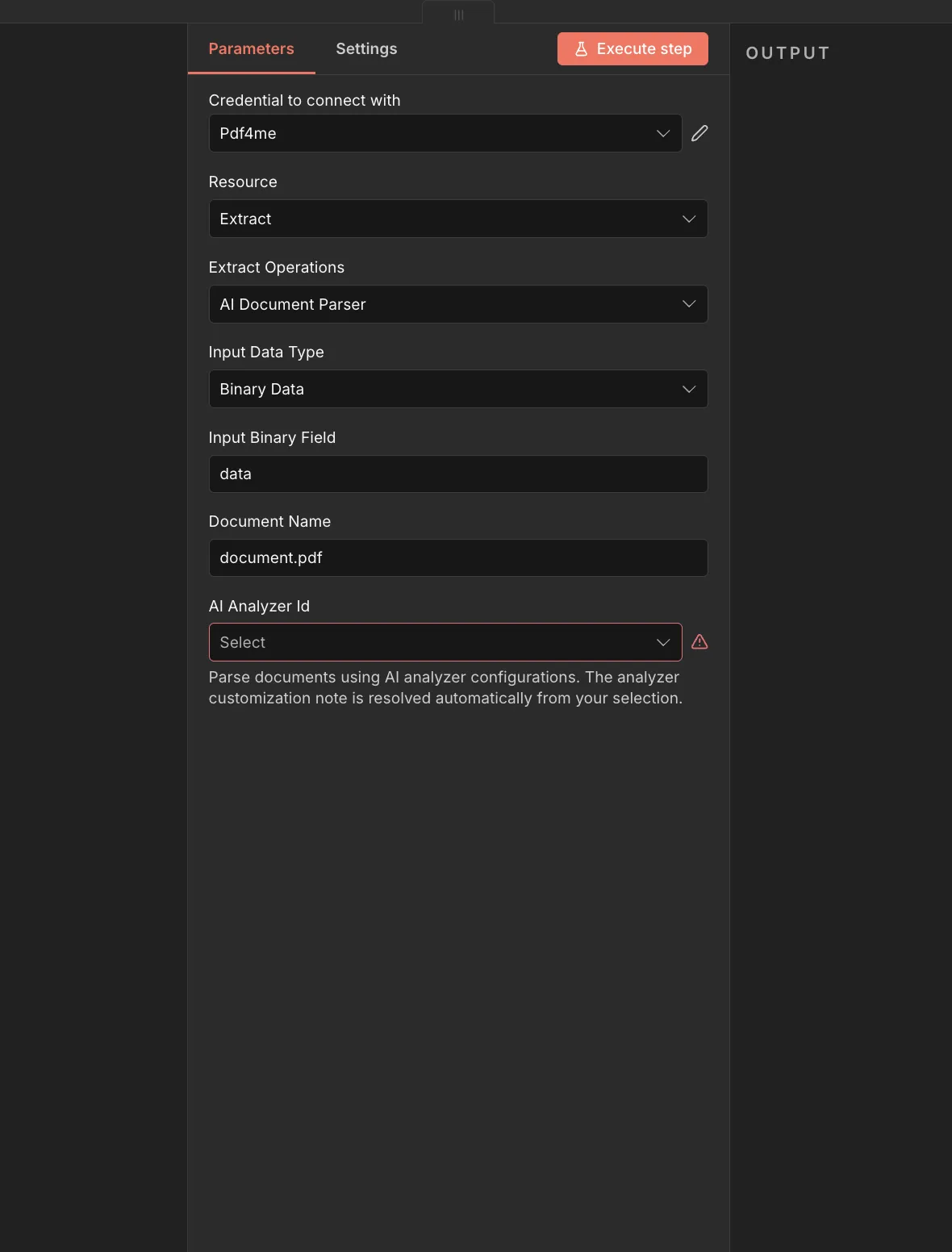
The fields accounts payable actually needs.
The invoice parser is the flagship. Vendor, invoice number, line items, totals, tax and due date come back as JSON, without a capture template.
- vendor. Supplier name as printed on the invoice.
- invoice number. The invoice id, including labels such as INV or Invoice No.
- line items. Rows of description, quantity, unit price and amount.
- totals, tax, due date. Grand total, tax amount and payment due date.
{
  "vendor": "Acme Supplies GmbH",
  "invoiceNumber": "INV-2026-0042",
  "dueDate": "2026-09-15",
  "tax": 396,
  "total": 3960,
  "lineItems": [
    { "description": "A4 paper", "amount": 120 }
  ]
}Ready for the documents you see most.
Each parser is tuned for one document type and ships with its own field set. Most run as native actions in Power Automate, Make and n8n.
AI Document Intelligence
AI Invoice Parser
Use AI to extract structured fields from invoice documents such as amounts, dates, and line items.
AI Bank Statement Parser
Use AI to extract transactions and account details from bank statement documents.
AI Bank Cheque Parser
Use AI to extract payee, amount, and account details from bank cheque documents.
AI Contract Parser
Use AI to extract key terms, parties, and dates from contract documents.
AI Credit Card Parser
Use AI to extract card details from credit card documents or images.
AI Health Card Parser
Use AI to extract member and coverage details from health card documents.
AI Marriage Certificate Parser
Use AI to extract names, dates, and location details from marriage certificate documents.
AI Mortgage Document Parser
Use AI to extract loan terms and borrower details from mortgage documents.
AI Pay Stub / Payslip Parser
Use AI to extract earnings, deductions, and employer details from pay stub or payslip documents.
AI Receipt Parser
Use AI to extract merchant, totals, and line items from receipt documents.
AI Tax Document Parser
Use AI to extract figures and identifiers from tax documents.
AI Order Parser
Use AI to extract order details such as items, quantities, and totals from order documents.
Get your documents done.
Build it into your product with the API, automate it with no code, or use the free tools in your browser. No credit card to begin.
curl -X POST https://api.pdf4me.com/v2/ConvertToPdfFree tier · No credit card required