





















$25一度
500 API呼び出し
1回の通話あたり約$0.050。クレジットの有効期限はありません。
- 一括払い
- どのプランでも積み重ね可能
- 文書1件につき1回の通話
14,000人以上の信頼できる顧客
既に構築済みの場所で動作します
PDF4meは、ブラウザ、Microsoft Teams、Google Workspace、自動化プラットフォーム、または独自のコードなど、ユーザーが既に利用している場所で動作します。
オープンソースのサンプルから直接抽出した、実行可能な実際のサンプル。エンドポイントと言語を選択し、
ファイル全体をコピーして実行してください。それがAPIのすべてです。
const fs = require('fs');
const path = require('path');

/**
 * Document to PDF Converter using PDF4Me API
 * Converts various document formats (DOCX, XLSX, etc.) to PDF documents
 * Supports both synchronous and asynchronous processing with retry logic
 */

// API Configuration - PDF4Me service for converting documents to PDF
const API_KEY = "get the API key from https://dev.pdf4me.com/dashboard/#/api-keys/";
const BASE_URL = "https://api.pdf4me.com/";
const API_ENDPOINT = `${BASE_URL}api/v2/ConvertToPdf`;

// File paths configuration
const INPUT_DOC_PATH = "sample.docx";           // Path to input document file
const OUTPUT_PDF_PATH = "Document_to_PDF_output.pdf"; // Output PDF file name

// Retry configuration for async processing
const MAX_RETRIES = 10;
const RETRY_DELAY = 10000; // 10 seconds in milliseconds

/**
 * Main function that orchestrates the document to PDF conversion process
 * Handles file validation, conversion, and result processing
 */
async function convertDocumentToPdf() {
    console.log("Starting Document to PDF Conversion Process...");
    console.log("This converts various document formats (DOCX, XLSX, etc.) to PDF");
    console.log("Supports Word documents, Excel spreadsheets, and other formats");
    console.log("-".repeat(60));

    try {
        // Validate input file exists
        if (!fs.existsSync(INPUT_DOC_PATH)) {
            throw new Error(`Input document file not found: ${INPUT_DOC_PATH}`);
        }

        console.log(`Converting: ${INPUT_DOC_PATH} → ${OUTPUT_PDF_PATH}`);

        // Process the conversion
        const result = await processDocumentToPdfConversion();

        // Handle the result
        await handleConversionResult(result);

    } catch (error) {
        console.error("Conversion failed:", error.message);
        process.exit(1);
    }
}

/**
 * Core conversion logic - handles the API request and response processing
 * Supports both synchronous (200) and asynchronous (202) responses
 */
async function processDocumentToPdfConversion() {
    // Read and encode document file to base64
    console.log("Reading and encoding document file...");
    const docContent = fs.readFileSync(INPUT_DOC_PATH);
    const docBase64 = docContent.toString('base64');
    console.log("Document file successfully encoded to base64");

    // Prepare the conversion payload
    const payload = {
        docContent: docBase64,           // Base64 encoded document content
        docName: "output",               // Name for the output file
        async: true                      // Enable asynchronous processing
    };

    // Set up HTTP headers for authentication and content type
    const headers = {
        "Authorization": `Basic ${API_KEY}`,
        "Content-Type": "application/json"
    };

    console.log("Sending request to PDF4Me API...");

    // Make the initial API request
    const response = await fetch(API_ENDPOINT, {
        method: 'POST',
        headers: headers,
        body: JSON.stringify(payload)
    });

    console.log(`Status code: ${response.status}`);

    // Handle different response scenarios
    if (response.status === 202) {
        // Asynchronous processing - poll for completion
        console.log("Request accepted. PDF4Me is processing asynchronously...");

        const locationUrl = response.headers.get('Location');
        if (!locationUrl) {
            throw new Error("No 'Location' header found in the response for polling");
        }

        return await pollForCompletion(locationUrl, headers);

    } else if (response.status === 200) {
        // Synchronous processing - immediate result
        console.log("Document to PDF conversion completed immediately!");
        return await response.arrayBuffer();

    } else {
        // Error response
        const errorText = await response.text();
        throw new Error(`API request failed. Status: ${response.status}, Response: ${errorText}`);
    }
}

/**
 * Handles the conversion result and saves the PDF file
 * Supports both binary PDF data and base64 encoded responses
 */
async function handleConversionResult(result) {
    try {
        // Convert ArrayBuffer to Buffer for file operations
        const buffer = Buffer.from(result);

        // Validate that we have a PDF (check for PDF header)
        if (buffer.length > 4 && buffer.toString('ascii', 0, 4) === '%PDF') {
            console.log("Response is a valid PDF file");
            fs.writeFileSync(OUTPUT_PDF_PATH, buffer);
            console.log(`PDF saved successfully to: ${OUTPUT_PDF_PATH}`);
            console.log("Document has been converted to PDF format");
            return;
        }

        // Try to parse as JSON if not a direct PDF
        try {
            const jsonResponse = JSON.parse(buffer.toString());
            console.log("Successfully parsed JSON response");

            // Look for PDF data in different possible JSON locations
            let pdfBase64 = null;
            if (jsonResponse.document && jsonResponse.document.docData) {
                pdfBase64 = jsonResponse.document.docData;  // Common location 1
            } else if (jsonResponse.docData) {
                pdfBase64 = jsonResponse.docData;           // Common location 2
            } else if (jsonResponse.data) {
                pdfBase64 = jsonResponse.data;              // Alternative location
            }

            if (pdfBase64) {
                // Decode base64 PDF data and save to file
                const pdfBytes = Buffer.from(pdfBase64, 'base64');
                fs.writeFileSync(OUTPUT_PDF_PATH, pdfBytes);
                console.log(`PDF saved to ${OUTPUT_PDF_PATH}`);
                console.log("Document has been converted to PDF format");
            } else {
                console.log("No PDF data found in the response.");
                console.log("Full response:", JSON.stringify(jsonResponse, null, 2));
            }

        } catch (jsonError) {
            console.log("Failed to parse JSON response, treating as binary data");
            // If JSON parsing fails, try to save as binary anyway
            if (buffer.length > 1000) {
                fs.writeFileSync(OUTPUT_PDF_PATH, buffer);
                console.log(`PDF saved to ${OUTPUT_PDF_PATH} (as binary data)`);
                console.log("Document has been converted to PDF format");
            } else {
                console.log("Warning: Response doesn't appear to be a valid PDF");
                console.log(`First 100 bytes: ${buffer.toString('hex', 0, 100)}`);
            }
        }

    } catch (error) {
        throw new Error(`Error saving PDF: ${error.message}`);
    }
}

/**
 * Polls the API for async completion with retry logic
 * Handles 202 (processing) and 200 (completed) status codes
 */
async function pollForCompletion(locationUrl, headers) {
    console.log(`Polling URL: ${locationUrl}`);

    for (let attempt = 1; attempt <= MAX_RETRIES; attempt++) {
        console.log(`Waiting for result... (Attempt ${attempt}/${MAX_RETRIES})`);

        // Wait before polling (except on first attempt)
        if (attempt > 1) {
            await new Promise(resolve => setTimeout(resolve, RETRY_DELAY));
        }

        try {
            const response = await fetch(locationUrl, {
                method: 'GET',
                headers: headers
            });

            if (response.status === 200) {
                // Conversion completed successfully
                console.log("Document to PDF conversion completed successfully!");
                return await response.arrayBuffer();

            } else if (response.status === 202) {
                // Still processing, continue polling
                console.log("Still processing...");
                continue;

            } else {
                // Error occurred during processing
                const errorText = await response.text();
                throw new Error(`Unexpected error during polling: ${response.status}, Response: ${errorText}`);
            }

        } catch (error) {
            if (attempt === MAX_RETRIES) {
                throw new Error(`Polling failed after ${MAX_RETRIES} attempts: ${error.message}`);
            }
            console.log(`Polling attempt ${attempt} failed: ${error.message}`);
        }
    }

    throw new Error(`Timeout: Document to PDF conversion did not complete after ${MAX_RETRIES} retries`);
}

// Main execution - Run the conversion when script is executed directly
if (require.main === module) {
    convertDocumentToPdf().catch(error => {
        console.error("Fatal error:", error.message);
        process.exit(1);
    });
}

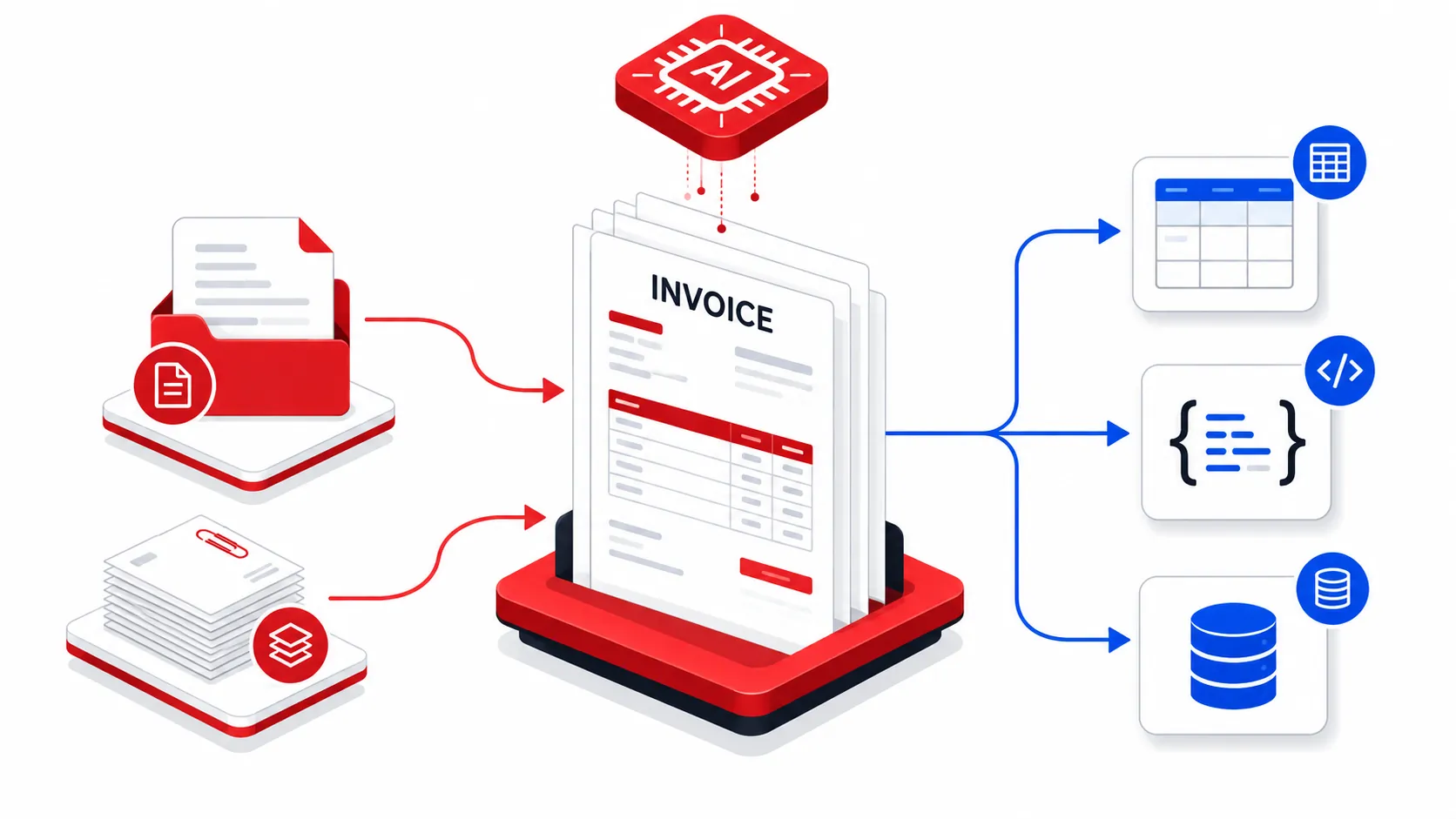
module.exports = { convertDocumentToPdf, processDocumentToPdfConversion, handleConversionResult }; PDF4meに請求書、領収書、銀行取引明細書、契約書などを指定するだけで、システムにそのまま取り込める構造化されたJSONデータが返されます。これらの文書タイプにはテンプレートの管理は不要です。
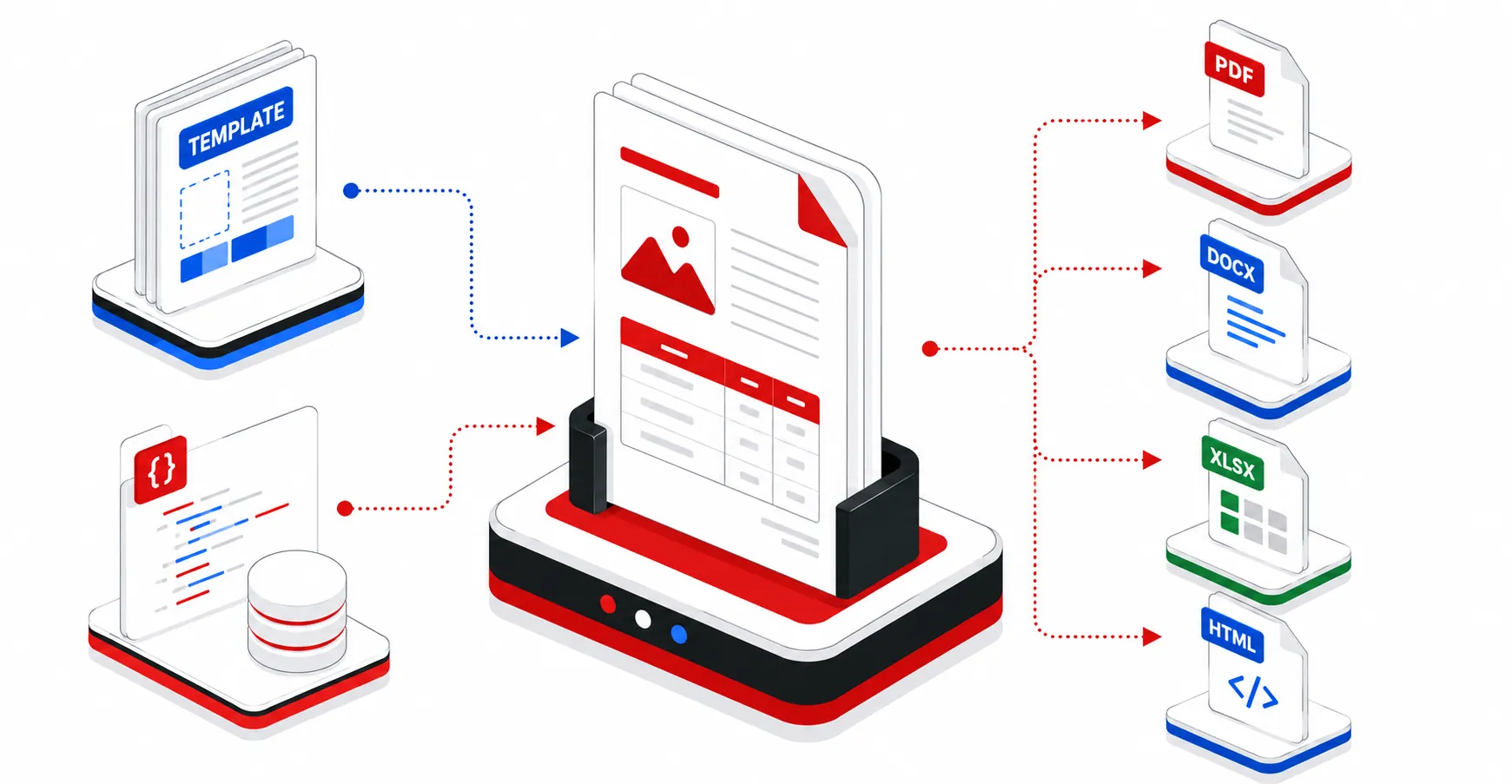
WordテンプレートまたはHTMLテンプレートをJSONと結合して、PDFファイルまたはWordファイルを1つずつ、またはまとめて生成します。
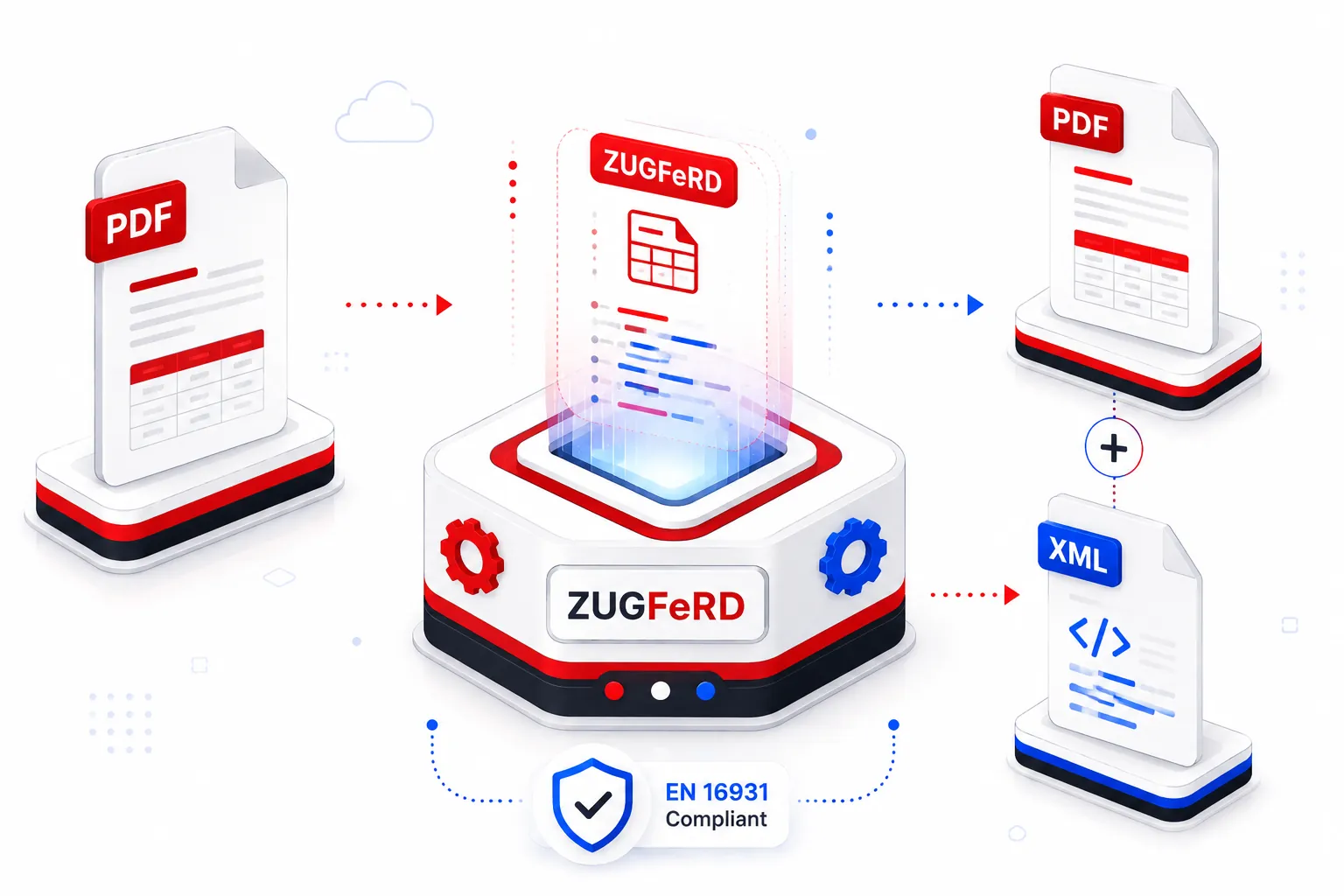
ZUGFeRDハイブリッド電子請求書を生成します。請求書XMLが埋め込まれた1つのPDF/A-3ファイルで、ドイツのB2B義務化およびあらゆるEN 16931 ERPに対応します。
独自のフィールドスキーマを定義して必要な情報だけを抽出することも、PDF4meに混合バッチを自動的に分類させて、各ドキュメントを種類別にルーティングさせることもできます。
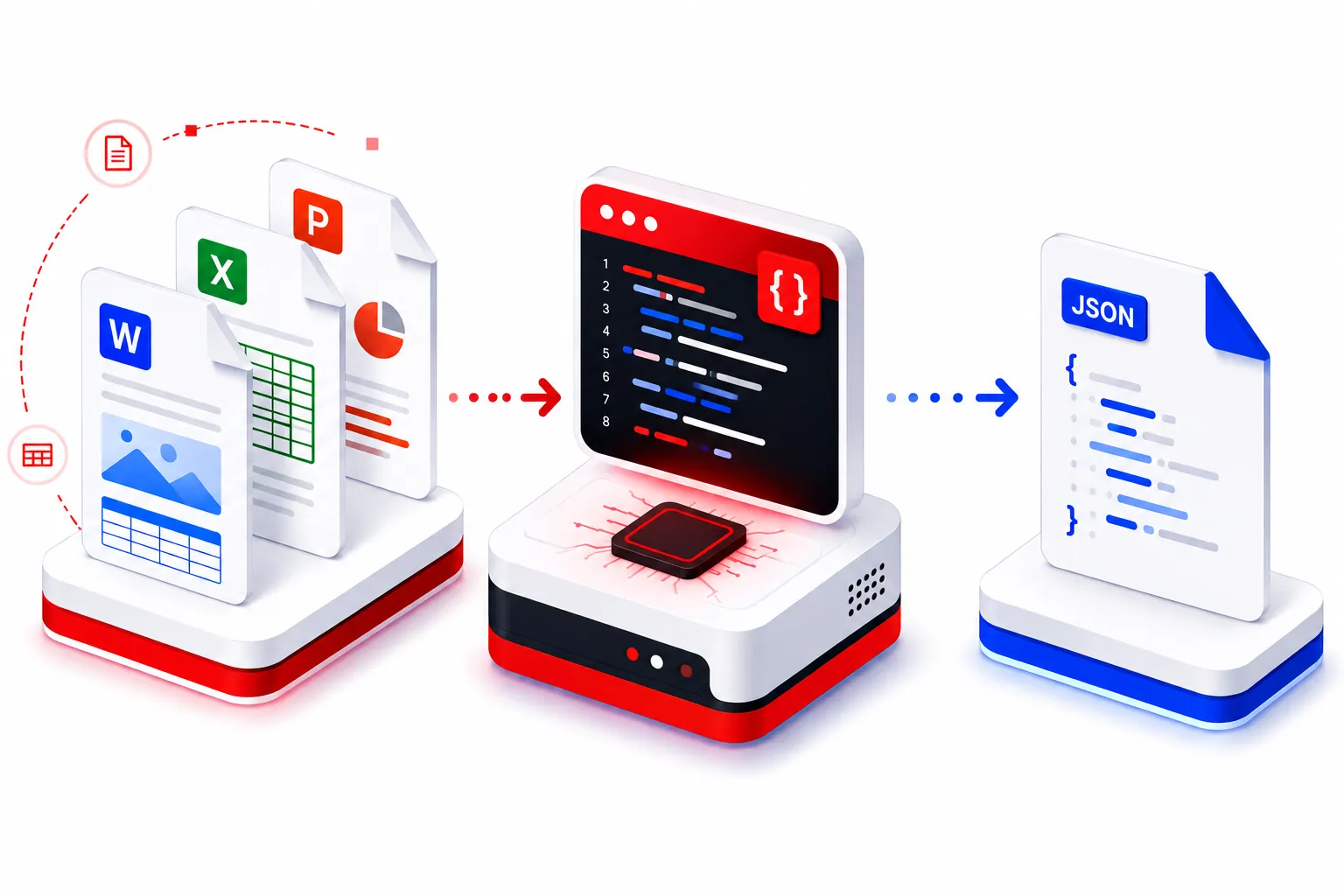
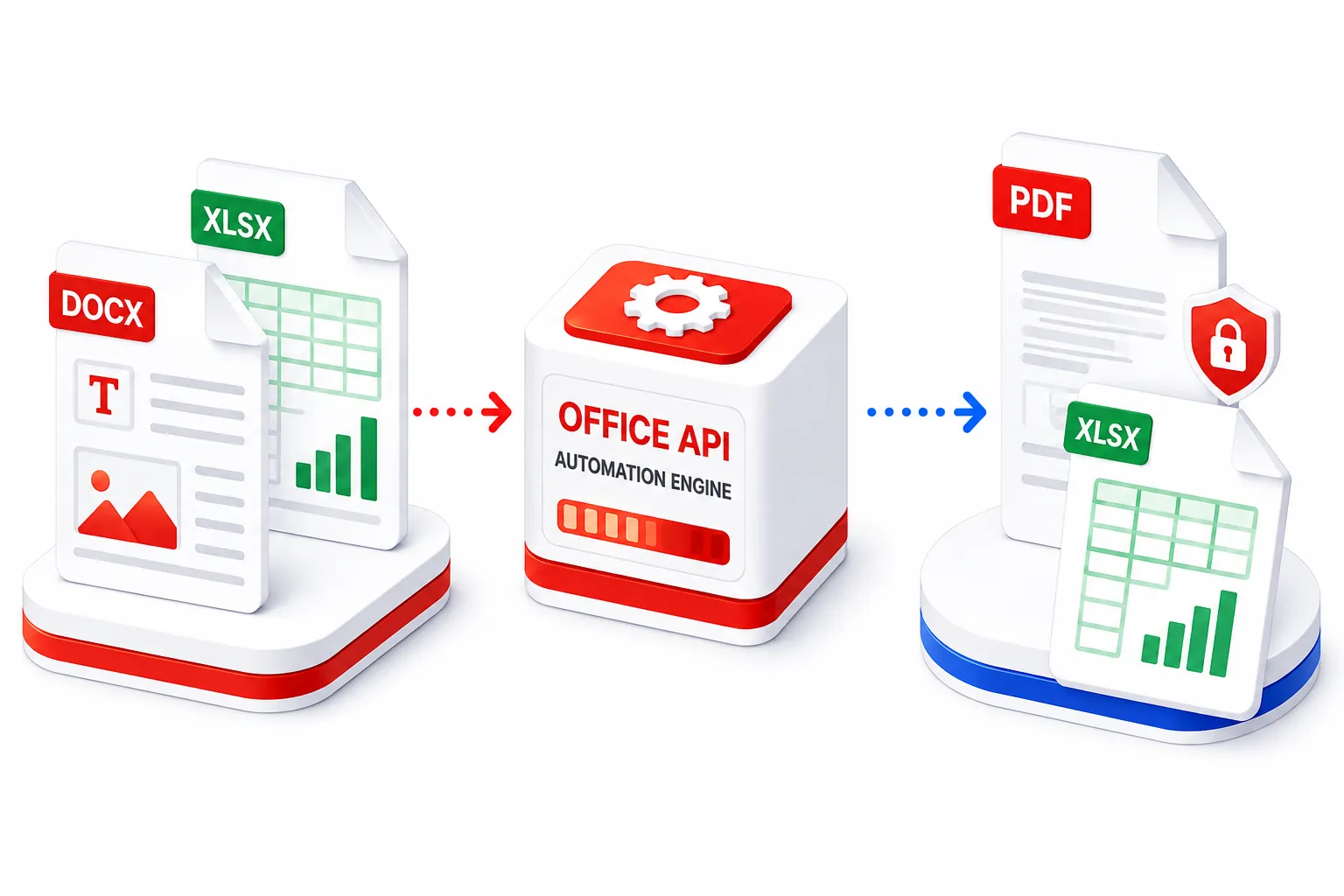
WordとExcelをPDFに変換したり、PDFからWordに戻したり、さらにOfficeファイルを結合、分割、透かしを入れ、パスワードで保護したりといった操作を、Officeのインストール不要の単一のAPIで行えます。
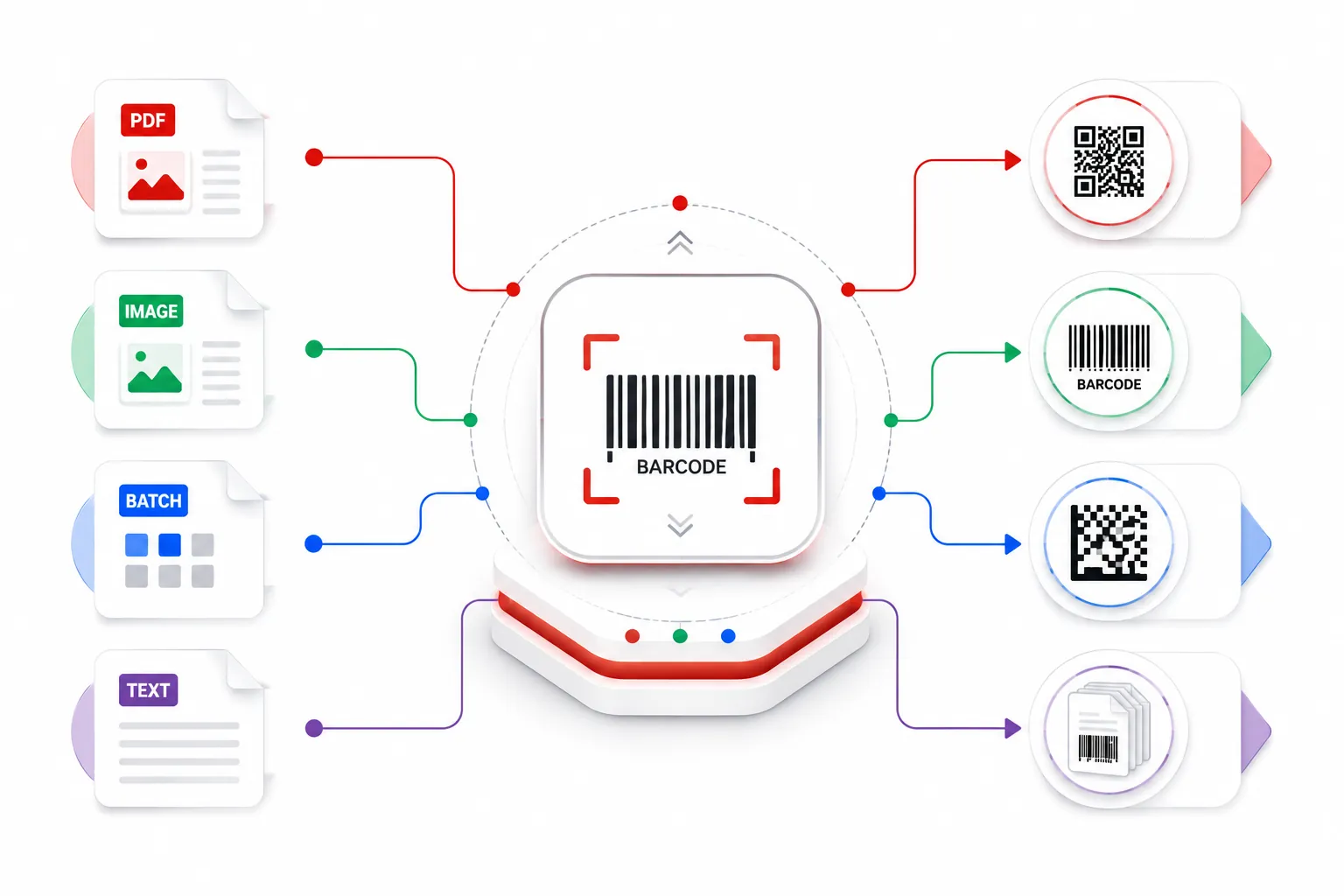
QRコード、Code 128、Data Matrix、および50種類以上のバーコードを生成して埋め込み、PDFや画像から読み取ったり、バーコード区切り線でドキュメントを分割したりできます。
プライバシーとセキュリティは、後付けではなく、標準機能として組み込まれています。スイス企業が所有するPDF4meは、ブラウザで1つのファイルを変換する場合でも、APIを通じて数百万のファイルを処理する場合でも、同じデータ処理ルールを適用します。
アップロードされたデータは、隔離されたクラウドストレージ上で暗号化されて保存され、オンラインツールでは1時間以内に、APIジョブ完了後は数分以内に自動的に削除されます。共有リンクは14日後に期限切れとなります。お客様が明示的に「マイ ドキュメント」に保存したデータのみが保持されます。
お客様の文書の内容は、当社または他社のモデル学習のために保持されることは一切ありません。AIによるデータ抽出は、お客様がリクエスト時に定義したスキーマに基づいてのみ実行されます。お客様から送信されたファイルをマイニング、分析、または再販することはありません。
調達やGDPRレビューのためのデータ処理契約書(DPA)が必要ですか?PDF4meの契約書と処理およびセキュリティに関する付属書類をダウンロードしてください。営業担当者とのやり取りを待つことなく、法務部門と共有できます。
ブラウザからのアップロード、API呼び出し、ダウンロードはすべてHTTPS/TLS経由で行われます。処理中のファイルは暗号化された状態で保存され、テナントごとに隔離され、処理が完了するまでの間のみメモリ上に保持されます。
当社では、ISO/IEC 27001規格に準拠した正式な情報セキュリティマネジメントシステムを導入しています。具体的には、文書化されたポリシー、役割ベースのアクセス制御、変更管理、インシデント対応、サプライヤーの監視などを実施し、2026年には独立監査を受ける予定です。
日常的なPDFツールと、SDK、自動化コネクタ(Make、Zapier、Power Automate、n8n)、MCPを備えた本番環境向けREST APIを統合したプラットフォーム。PDFスタックを自社開発することなく、製品にドキュメント機能を組み込むことができます。
変換、編集、結合、圧縮、署名、OCR機能がすべてブラウザ上で無料で利用できます。インストールも登録も不要です。
APIは無料で利用開始でき、その後は有効期限のないプリペイドパックで追加購入できます。一括払い、契約期間の縛りなし、各パックは月額プランに積み重ねて利用できます。
1回の通話あたり約$0.050。クレジットの有効期限はありません。
1回の通話あたり約$0.045。クレジットの有効期限はありません。
1回の通話あたり約$0.038。クレジットの有効期限はありません。
1回の通話あたり約$0.036。クレジットの有効期限はありません。
1回の通話あたり約$0.033。クレジットの有効期限はありません。
1回の通話あたり約$0.026。クレジットの有効期限はありません。
最大容量のプリペイドパック以上のプランをご希望ですか? ボリュームディスカウント、請求条件、専用サポートについては、営業担当までお問い合わせください。
ドキュメントごとにAPI呼び出しは1回です。高品質な変換、OCR、AI機能は、ページごとに1回の呼び出しとしてカウントされます。月額プランまたは無料プランをご希望ですか?料金プランの詳細は、料金ページをご覧ください。
料金とAPI呼び出しコストの詳細はこちらをご覧くださいAPIを使って製品に組み込むことも、コードを書かずに自動化することも、ブラウザ上の無料ツールを使うこともできます。クレジットカード情報の入力は不要です。
curl -X POST https://api.pdf4me.com/v2/ConvertToPdf無料プラン · クレジットカード不要