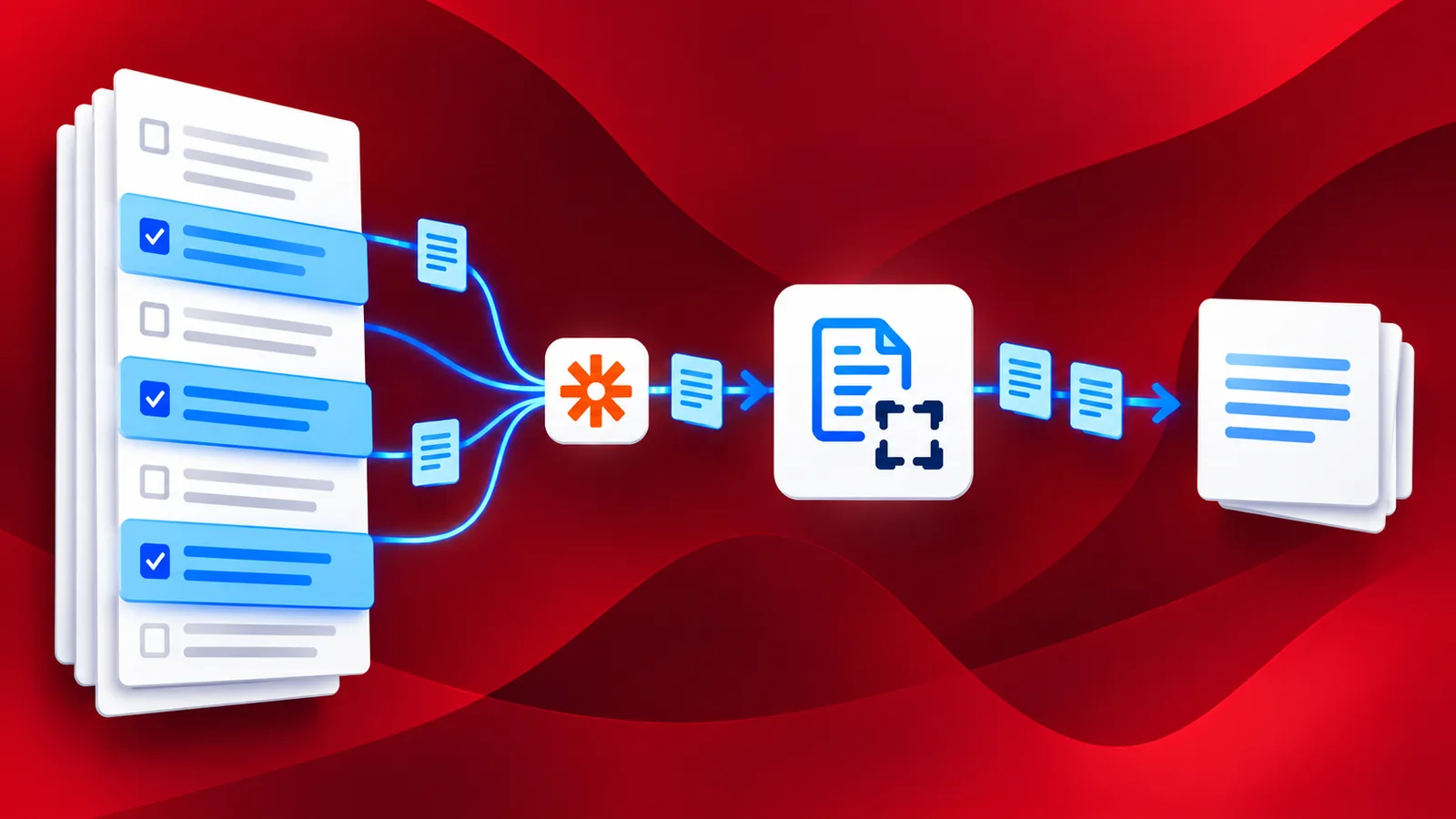
Digital documents are replacing traditional paper documents very fast. We receive a lot of them as PDF files these days. PDF documents like contracts, legal documents, or digital books may contain hundreds or thousands of pages. Most often, we only require a few pages of these documents. In such cases, we will have to extract those PDF pages using a specific tool. There is not a lot of software capable to do that. Most importantly, it is not easy automating the extraction.
PDF4me Integration for Zapier is a reliable solution for your document automation requirements. Using the Extract Pages from PDF action for Zapier to automate the process of creating PDF using extracted pages. With simple configuration and zero coding, you can easily set up the Zap for extracting PDF pages.
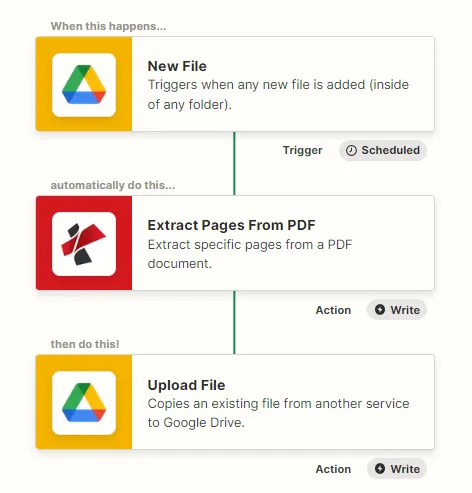
How to Extract Pages from PDF using Zap?
With a simple setup, you can configure a Zap to automatically extract pages from a PDF. Let us look with a sample Zap, at how we can automate PDF page extraction.
Add a Trigger
Add and configure a Google Drive trigger to initiate the automation as soon as new files are detected in the configured folder. The Zap is triggered when the PDF files reach the configured folder. You can use any trigger of your choice for initiating the Zap.
Add and Configure Extract pages from PDF action
Add the Extract Pages action and configure the required parameters. Specify the page numbers of the Pages you want to extract from the source PDF.
Add the action to save the Output
Since we have started with the Google drive storage, let us add the Google drive Save File action to save the PDF created using the extracted pages from the source file.